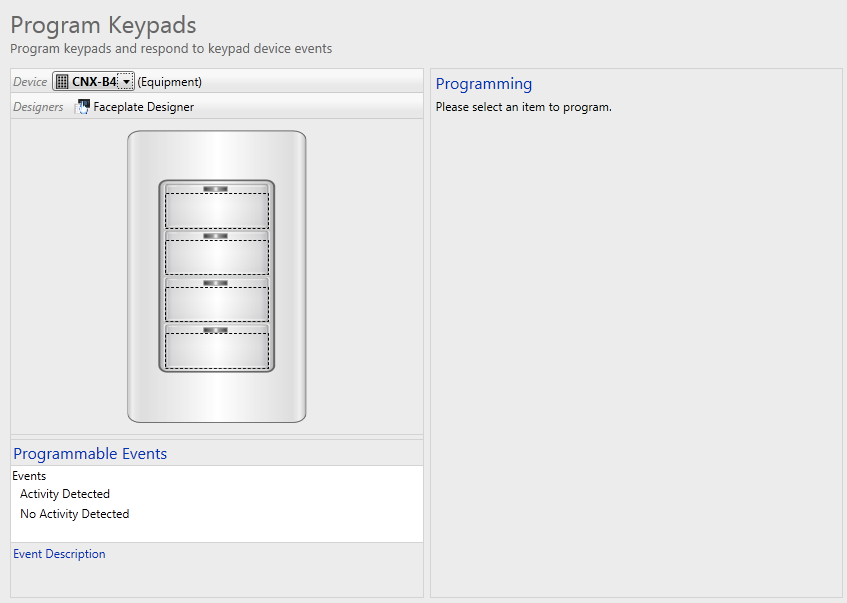
If your project includes interfaces with hard buttons, such as a keypad or a remote, a graphic of that interface will be displayed in the left of the screen when you select it in Program Keypads. You can program a hard button simply by clicking the individual button. This will display the button's programming properties on the right side of the screen.
To program a keypad:
Select a keypad from  .
.
The drop-down box will list will display only the available keypads/dimmers added to your System project.
Select a button to program (by choosing a button name or clicking on the corresponding button image on the keypad).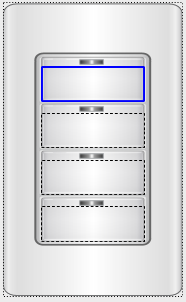
Choose an appropriate Button model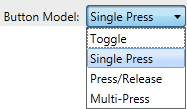
Depending on the button model, you may have the option to Synchronize Events.
If applicable, select the button feedback type. 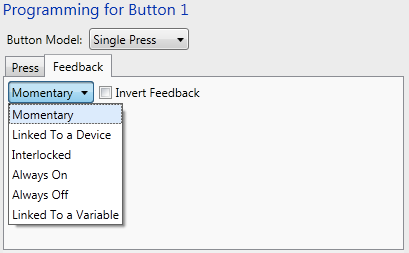
From the Available Steps pane select a device to control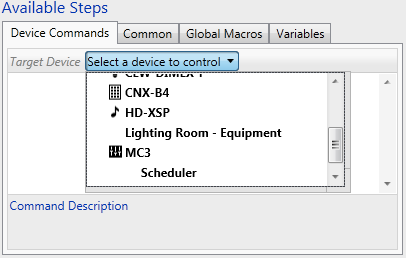
and add the desired device commands, conditional statements, connect steps or variables.