Device
Commands
Device commands allow you
to pick a device in your system, and issue one a command to control it.
For example, you can tell your Blu-Ray device to “play”, tell a keypad
button to turn on its LED feedback, or tell a lighting dimmer to go to
a 100% level.
All devices in Crestron Studio®
can be controlled through a combination of digital, analog, or serial
commands. Most commands control specific device functions, while other
commands can set the value of a device property or variable, or run and
cancel global presets.
Device commands are identified by the following icons:
|
Icon
|
Type of Device Command
|
|

|
Edge-triggered digital
|
|

|
Level-sensitive digital
|
|

|
Analog
|
|

|
Serial
|
|

|
Press
|
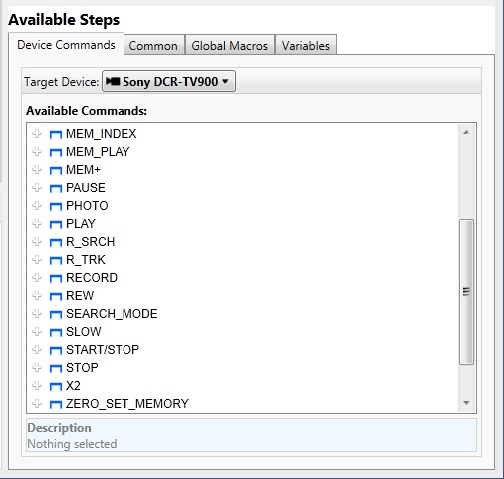
To see all available
commands for the device, choose a device from the Target Device drop-down
list and a list of the available commands will populate the whitespace
below: