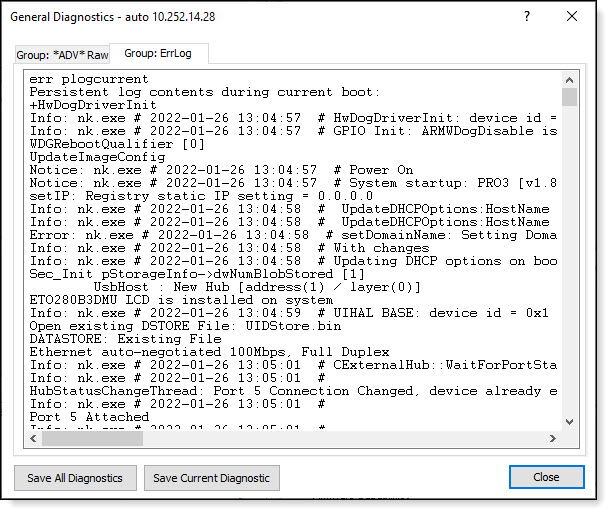
Use this function to obtain general diagnostic data for the current device. This data will include Notice(s), Error(s), Warning(s) and Information messages--as well as general operational status of the current.
Click the Save All Diagnostics button to save the diagnostics that were run in all tabs to a text file; click the Save Current Diagnostic button to save the diagnostics that were run in only the current tab to a text file.
In Create File dialog box, enter a file location (Directory) and a file name (File to create) for the diagnostic log file and click the OK button:
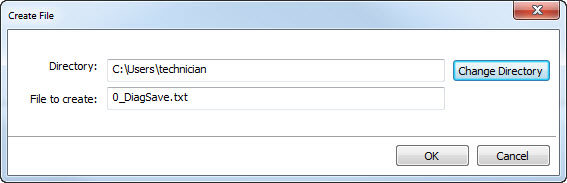
The diagnostic log can be opened and formatted in word processor or text editor:

Group: *ADV Raw*
Depending on the device and its current status, the General Diagnostics dialog box may include one of more Group: *ADV Raw* tabs:
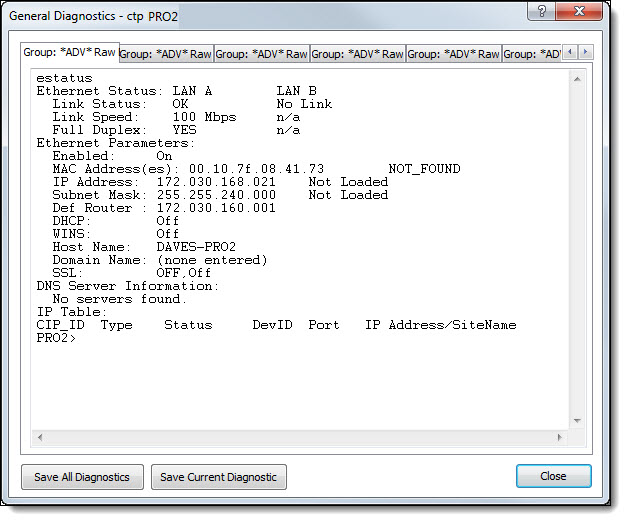
Each tab displays various general diagnostic information about the device such as Ethernet Status, Task Status or Uptime.