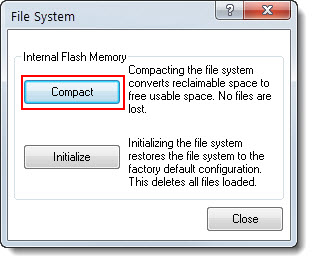
Use this function to manage internal Flash memory.
Click Compact to clean up reclaimable space. Reclaimable space occurs when files are deleted, but the space cannot be used until it is compacted:
Note: Only a 2-Series Device's reclaimable space can be converted to usable space.
The Toolbox automatically compacts space when needed during project uploads or loading programs to internal Flash.
You can see the size of the reclaimable space before compacting, by checking Internal Memory Usage in the System Info tool.
Click Initialize to return the file system to the default factory configuration, as follows:
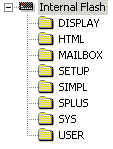
Note that initializing the file system will erase all existing files and user-defined directories.