Go to Design and Program and choose Advanced Programming.
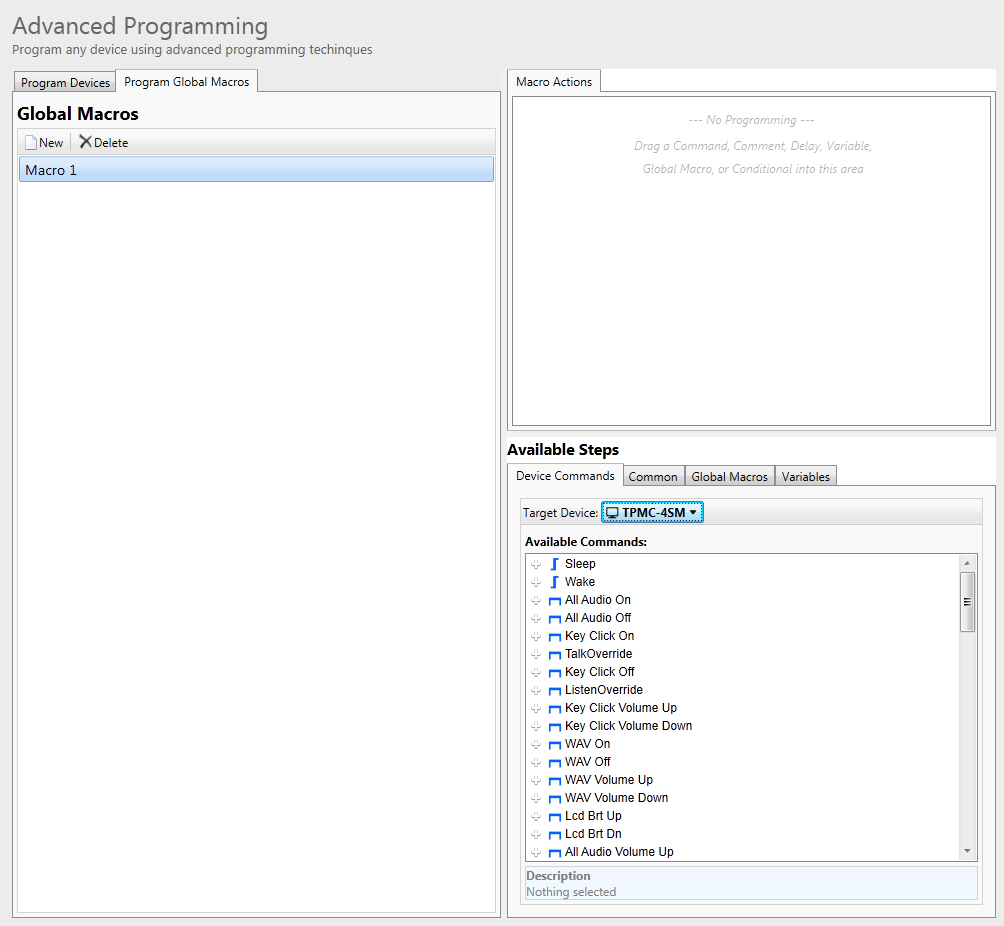
Click on the Program Global Macros tab. This will display all currently defined global macros.
Press
New to create a new, "blank"
Macro.
To rename the macro, select it and press  , or
right-click on it and choose Rename.
, or
right-click on it and choose Rename.
(optional) Select the Enable Multicast check box if you wish to enable the multicast feature for this global macro.
From Available Steps assign steps, delays, and conditionals just as for individual buttons (see Programming Steps).
 button on the keyboard.