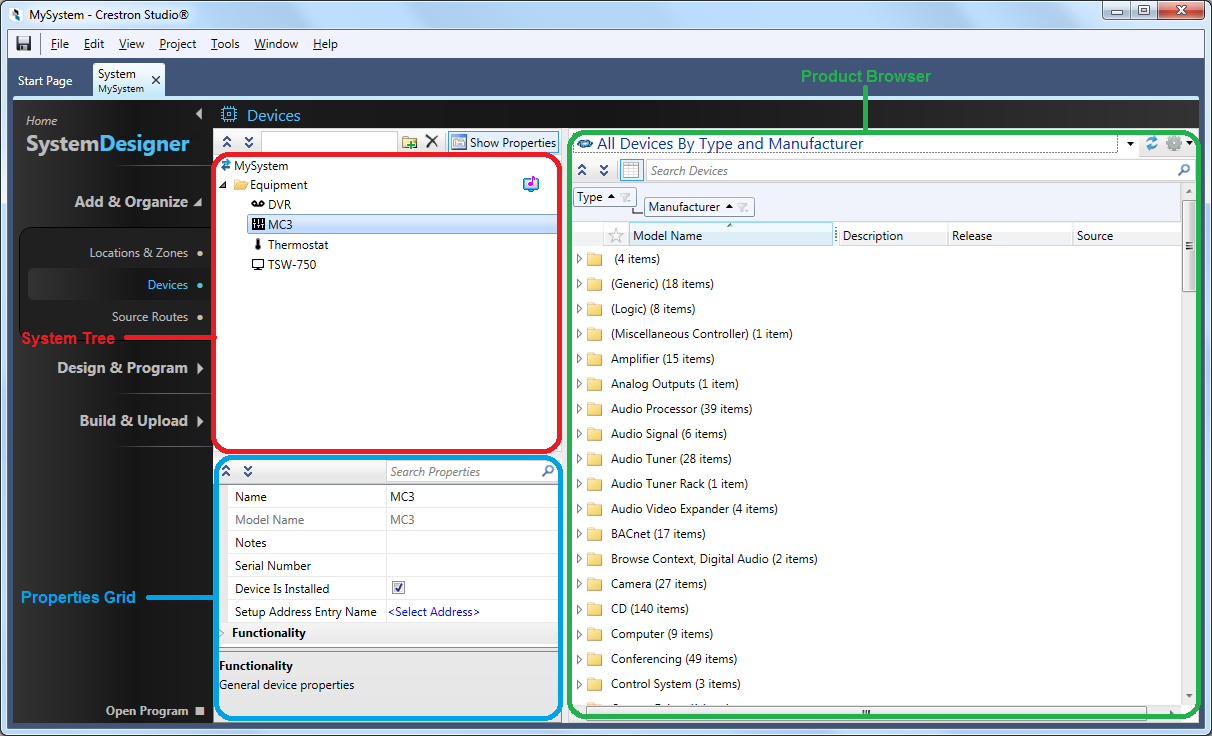
The System Designer allows you to configure your system by adding and organizing locations and devices. The System Designer opens in a new Crestron Studio® tab when you choose to either create a new system or open an existing system.
In System Designer you can:
Enable a location as a Lighting or Media Zone
Add devices to your system projects
Connect source routes
Program keypads, touch screens, etc. or create advanced programming
More: