
Critical error about a device (asset) is sent to Crestron Fusion® when that device goes offline, i.e. it is physically disconnected.
The critical status (number of critical errors) of all rooms monitored
in Crestron Fusion®
is displayed in the Fusion Header Tab:
Information about critical errors from all Fusion monitored rooms is
also listed in My RoomView tab
in the RoomView® Monitoring section
of Crestron Fusion®.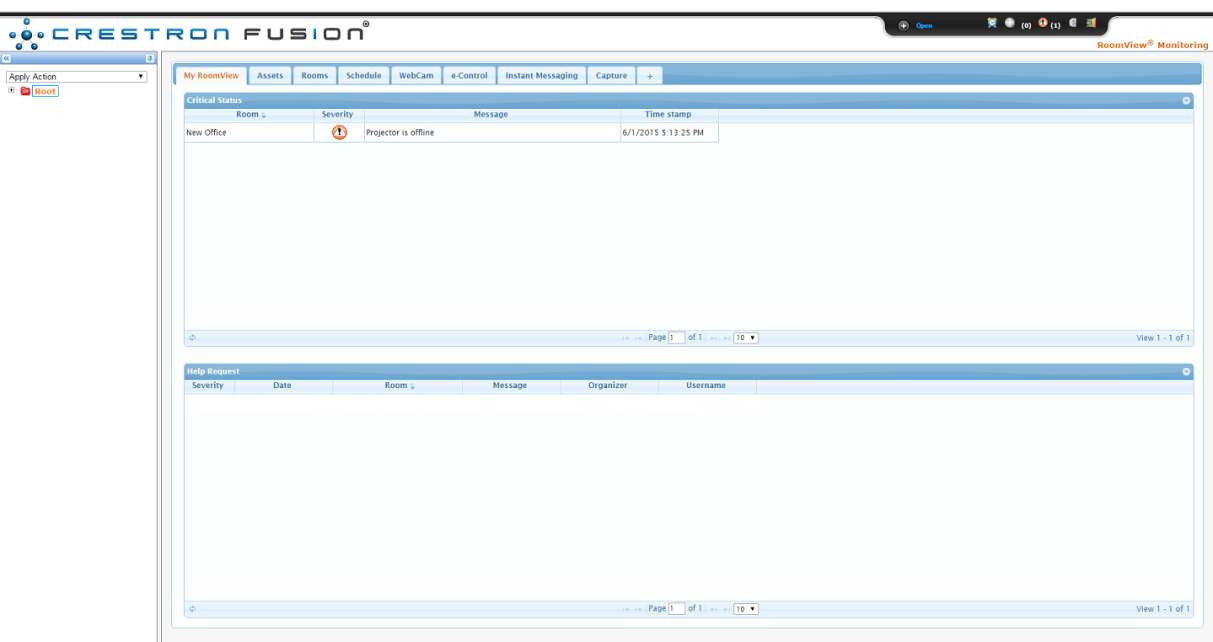
Detailed information about rooms currently experiencing an in-room error is displayed in the Critical Status table with data about:
the name of the room
severity (by icon)
the associated message
time stamp.

Severity Error icons are defined as follows:
 - Notice
 - Warning
 - Error
Status
- Error
Status
 - Fatal Error
Status
- Fatal Error
Status
At this time all errors received from Crestron Studio®
systems default to Error Status .
Resolving Critical Errors in Crestron Fusion®
Critical error are resolved when the issue that has caused the device
to go offline has been rectified. For example, power failure has been
repaired, the device is plugged back in, battery is replaced, etc. When
Crestron Fusion®
recognizes that the device is
online, the critical error associated with it is removed from the Critical Status
table.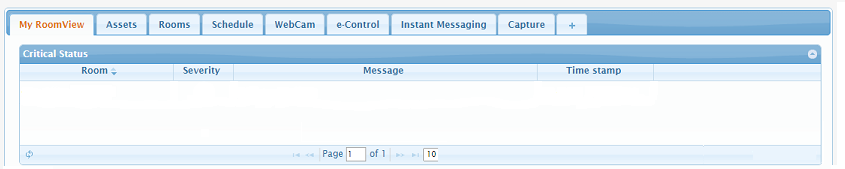
Critical Error Reporting
All error alerts that come in Crestron Fusion® are logged and an Error Report can be created to summarize the category of alerts logged by each room and severity status over time. By studying the error reports it's possible to anticipate the most common issues and determine what causes them.