Search
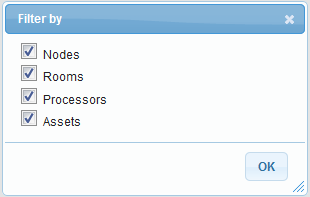
Within the Rooms tab, you can search for nodes, rooms, processors, or assets. You can search the entire Room tree by selecting the Root node or a section of the tree by selecting a subordinate node. The type of object you are searching for must be selected in the Filter window that opens when you select the down arrow to the right of the search field.
Search Field

Filter Window
Within the Objects tab, you can search for Actions, Asset Types, Contracts, Custom Properties, Email Templates, Functional Security, Media Categories, Channels, Encodings, Post Processings, and Profiles, as well as Processors, Roles, Room Templates, Rooms, and Symbols by selecting the desired node and entering the name of the object for which you are searching.