Setting Up Logic Transport Properties
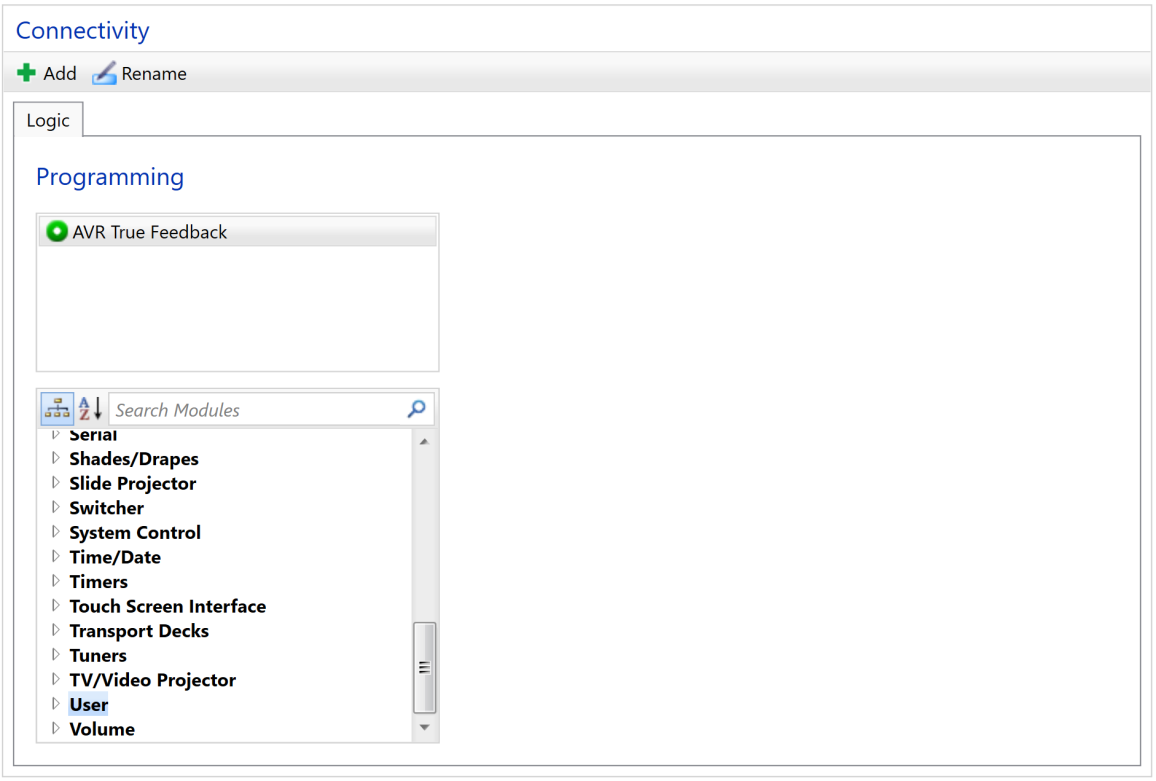
To create user device utilizing the Logic transport:
- Select your module from the bottom left pane
- Double click
on the selected module to add it to the Programming
Pane on top. Most User Devices are represented by a single module,
however more complex representations are possible.
- Repeat steps 1 and 2 as needed
Module(s) displayed in the Programming
Pane will be associated with the device.