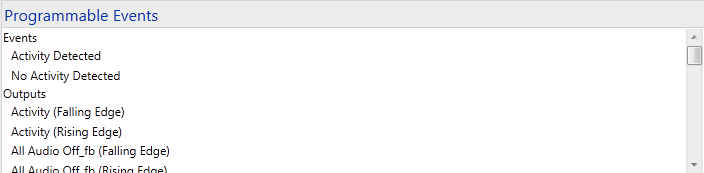
 .
.Some third-party devices, Crestron control systems and interfaces provide feedback signals and programmable events. In addition, Crestron touch screens that support SIMPL device extenders also provide feedback signals and programmable events. If a given device or the associated device extender provides feedback and programmable events, then the Outputs branch may be visible/added to the Events branch in the Programmable Events tree.
The items listed in the Events branch are subsets of those in the Outputs branch.
.
For example the events Activity Detected in the Events branch and Activity (Falling Edge) are one and the same, but the Activity Detected event has a friendly name that has been set up by an application developer.
To program device outputs
Select the output from the Events or Outputs list.
From Available Steps assign steps, delays, and conditionals just as you would do for individual buttons (see Programming Steps).