Go to Design and Program and choose Advanced Programming.
Click on the Global Triggers tab. This will display all currently defined global triggers.
Click New
to create a new, blank global trigger. By default the name of a newly
created global trigger is Global
Trigger, followed by a numeral.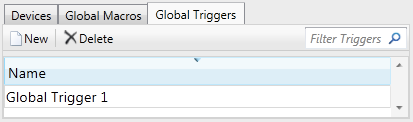
To rename the global trigger, select it and press  ,
or right-click on it and choose Rename.
,
or right-click on it and choose Rename.
Point to the Programming
for name_of_your_global_trigger
pane on the right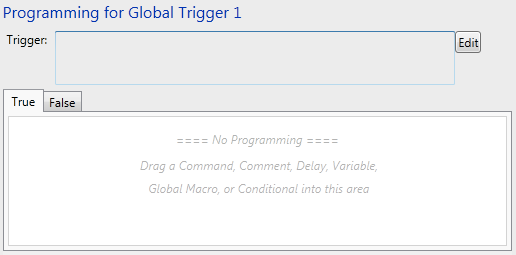
and click the  button to open the Edit Step
dialog.
button to open the Edit Step
dialog.
In the Edit Step
dialog define the desired conditional expression (see Conditional
Steps). For example: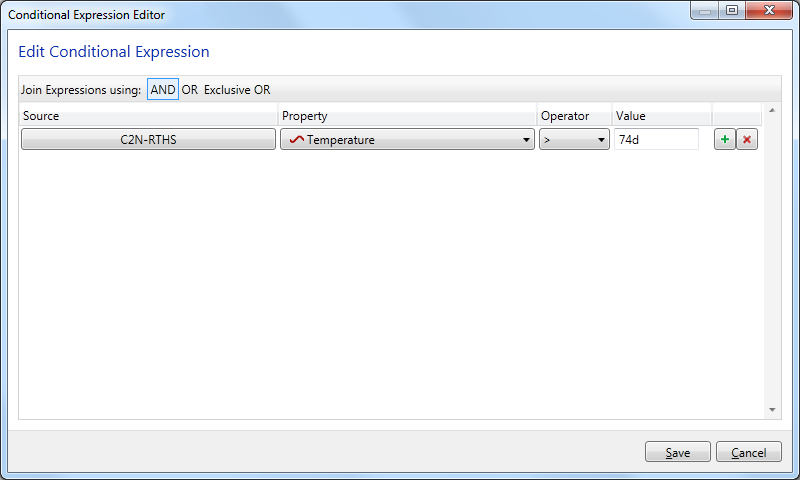
When you close the Edit Step
dialog, the expression you have defined will be shown in the text
box beside the
button:
To edit the global trigger, click the button again.
Add additional programming
step(s) that will occur while the trigger evaluates to True, inside
the True tab: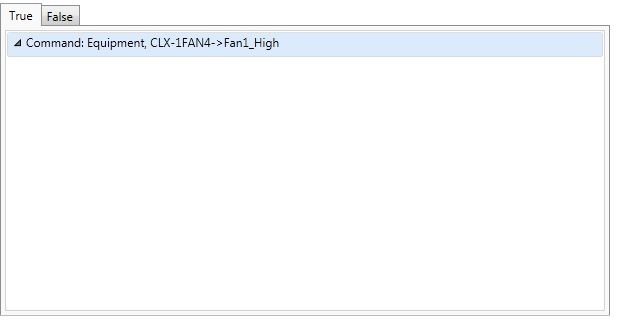
and/or False tab (steps that
will occur if the trigger evaluates to False):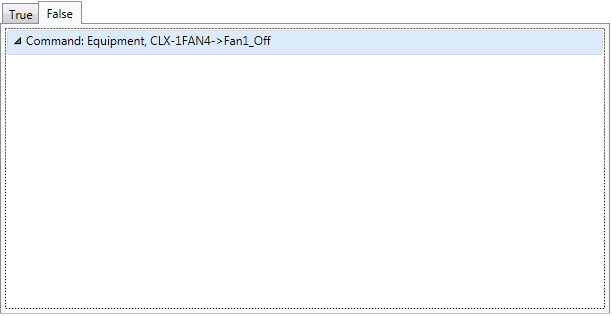
Note that program execution stops when the trigger changes states.

 button on the keyboard.