Click Export... on the File menu.
Crestron Studio® will prompt you to save your system
before exporting
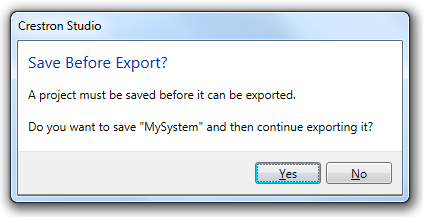
Click the Yes button to save
the changes made to your system.
In the Export
File dialog which opens, locate the directory where you wish
to save the program.
Both the file type and the name of the system are pre-populated in
the File name and Save
as type text boxes respectively. The pre-populated File
name can be changed if desired.
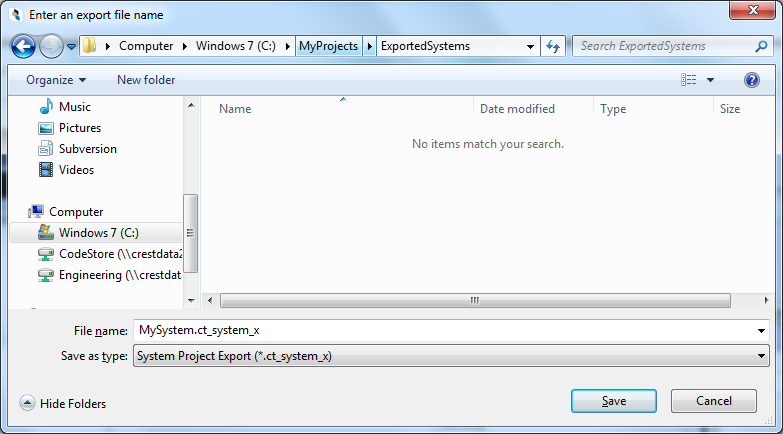
Click Save to begin the export procedure.